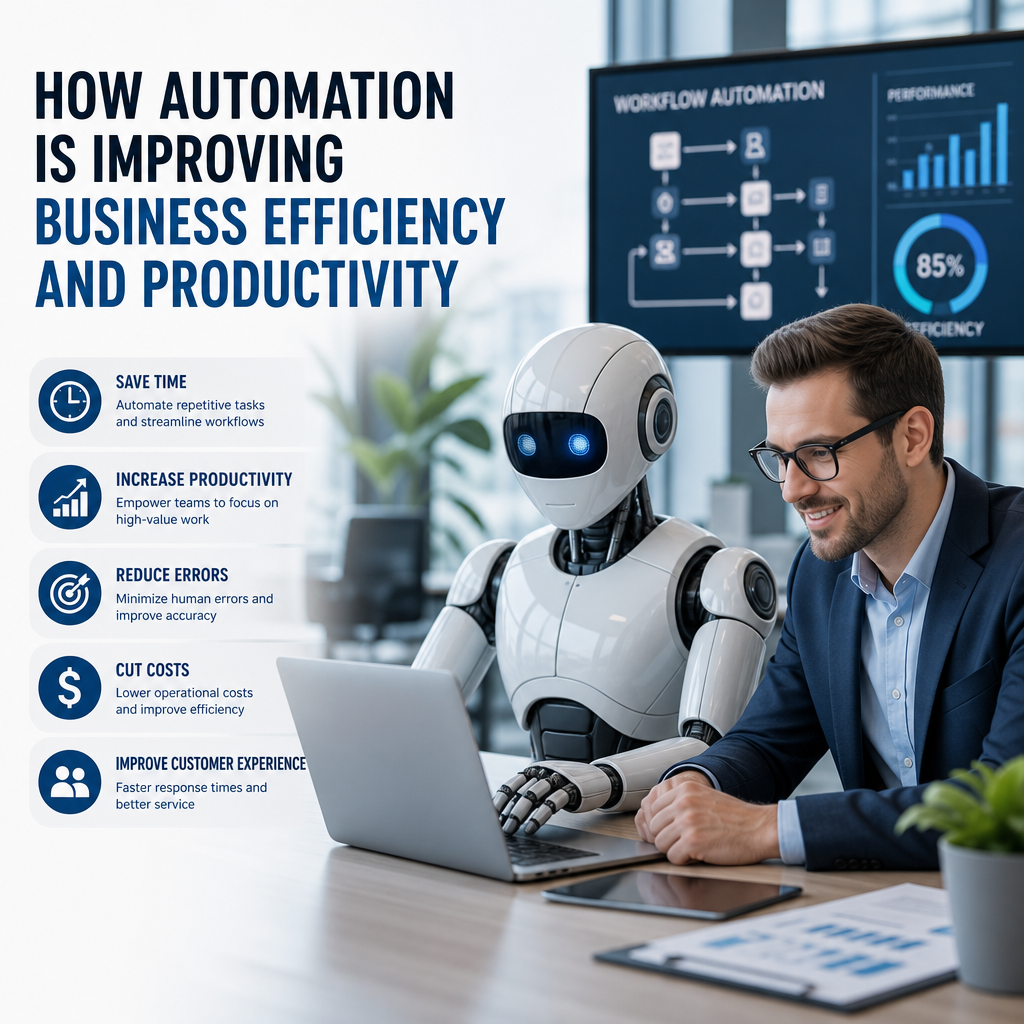
How Automation Is Improving Business Efficiency and Productivity
Business automation is helping companies save time, cut errors, and streamline everyday workflows. By handling repetitive tasks behind the scenes, automation lets teams focus on faster growth, better service, and more strategic work.
By: Peter B on julho 30, 2026
Automation is no longer a futuristic idea reserved for large enterprises with deep budgets. Today, businesses of all sizes use automation to reduce repetitive work, improve accuracy, and free teams to focus on higher-value tasks. From automated invoicing and customer service workflows to inventory tracking and marketing campaigns, how automation is improving business efficiency is becoming clearer every year.
The shift is happening for a simple reason: manual work slows people down. It creates bottlenecks, increases the risk of errors, and makes it harder for teams to scale. Automation helps businesses move faster without sacrificing consistency. When used well, it can improve productivity, strengthen customer experiences, and give leaders better visibility into operations.
What Business Automation Really Means
Business automation refers to using technology to handle tasks, workflows, or decisions that would otherwise require manual effort. It can be as simple as scheduling email responses or as advanced as using software to manage supply chain operations.
Common forms of automation include:
Workflow automation for approvals, task routing, and notifications
Marketing automation for emails, lead nurturing, and segmentation
Finance automation for invoicing, expense tracking, and payment reminders
Customer support automation through chatbots, ticket routing, and self-service tools
Operations automation for inventory updates, scheduling, and reporting
The goal is not to eliminate people from the process. Instead, automation helps employees spend less time on repetitive tasks and more time on strategic work that requires judgment, creativity, or relationship-building.
How Automation Is Improving Business Efficiency
Automation improves efficiency by making work faster, more accurate, and easier to scale. That may sound straightforward, but the impact is significant across almost every department.
1. It reduces time spent on repetitive tasks
Many business processes involve the same actions repeated over and over. Someone enters data, copies information into another system, sends a reminder, or routes a request to the right person. These tasks are necessary, but they often consume hours every week.
Automation takes over many of these routine steps.
For example:
A new customer fills out a form, and their information is automatically added to the CRM
An invoice is generated and sent without anyone manually creating it
A meeting request triggers calendar updates and follow-up reminders
These small time savings add up quickly. When teams reclaim that time, they can focus on planning, problem-solving, and customer service.
2. It improves accuracy and consistency
Humans make mistakes, especially when handling repetitive work under pressure. Data entry errors, missed deadlines, and inconsistent processes can create expensive problems later.
Automation helps standardize tasks so they are completed the same way each time. That leads to better consistency across the business.
A few examples:
Automated data validation can prevent incorrect information from entering a system
Standard approval workflows reduce the chance of skipped steps
Automated reporting ensures managers receive the same metrics every time
In short, automation reduces the kind of small errors that can become large operational headaches.
3. It speeds up decision-making
Business efficiency is not just about saving time on tasks. It is also about making better decisions faster. Automation helps leaders access information in real time and act on it without waiting for manual reports.
For instance, a dashboard can automatically pull data from sales, marketing, and finance systems. Instead of waiting until the end of the month, managers can see trends as they happen.
That speed matters in areas like:
Sales forecasting
Inventory management
Customer retention
Budget tracking
When decision-makers have timely information, they can respond sooner and reduce costly delays.
4. It supports scalability without adding unnecessary labor
As businesses grow, they often reach a point where manual processes become unsustainable. A team that can manage 50 orders a day by hand may struggle with 500. Hiring more people is one solution, but it is not always the most efficient one.
Automation allows companies to scale workflows without scaling every task proportionally.
Examples include:
Automatically assigning support tickets based on topic or urgency
Using software to process a high volume of payroll calculations
Automating onboarding steps for new hires
Sending personalized marketing messages to large audience segments
This kind of scalability is one of the biggest reasons businesses invest in automation. It helps them grow without overwhelming teams.
Where Automation Delivers the Biggest Impact
Not every process should be automated, but many common business functions benefit from it. The most effective use cases are usually high-volume, repetitive, and rules-based.
Customer service
Customer service automation can improve response times and reduce pressure on support teams. Chatbots, automated ticket routing, and knowledge base tools help customers get quick answers without waiting for a representative.
Helpful examples:
A chatbot answers basic questions 24/7
A support platform sends tickets to the right department automatically
Automated follow-up emails confirm that a request was received
This does not replace human support. Instead, it handles common questions so staff can focus on more complex issues.
Marketing
Marketing automation helps businesses stay in touch with prospects and customers without manually sending every message. It also makes it easier to personalize communication at scale.
Common uses include:
Drip email campaigns
Lead scoring
Social media scheduling
Audience segmentation
Abandoned cart reminders
A well-designed automation workflow can nurture leads more efficiently and improve engagement across the customer journey.
Sales
Sales teams benefit from automation because it reduces administrative work and helps reps spend more time selling.
Useful applications include:
Automatically logging calls and emails
Creating follow-up reminders
Routing leads to the correct representative
Tracking deal progression in a CRM
These tools help salespeople stay organized and maintain momentum with prospects.
Finance and accounting
Finance departments often deal with repetitive, detail-heavy work. Automation can streamline many of those tasks while improving accuracy.
Examples include:
Invoice generation
Expense approval workflows
Payment reminders
Receipt capture and categorization
Reconciliation support
By reducing manual processing, finance teams can spend more time on analysis, budgeting, and planning.
Human resources
HR automation can make hiring and employee management more efficient. It also improves the experience for candidates and new employees.
Common examples include:
Applicant tracking
Interview scheduling
New hire onboarding checklists
Benefits enrollment workflows
Policy acknowledgments
When these processes are automated, HR teams spend less time coordinating logistics and more time supporting people.
Benefits Beyond Speed
Speed gets most of the attention, but how automation is improving business efficiency goes beyond faster task completion. It also creates broader operational advantages.
Better employee experience
Employees do better work when they are not stuck on repetitive admin tasks all day. Automation can reduce frustration and help workers focus on meaningful work that uses their skills.
That can lead to:
Higher job satisfaction
Less burnout
More creativity
Better collaboration between teams
When employees feel their time is being used wisely, morale often improves.
Stronger customer experience
Customers benefit from automation when it shortens wait times, improves accuracy, and provides more consistent service. A faster response or a smoother checkout process can make a real difference in how a business is perceived.
For example:
Automated order confirmations reassure customers right away
Self-service portals help customers solve simple problems on their own
Personalized follow-up messages can improve communication
Efficiency on the inside often leads to better experiences on the outside.
Improved compliance and documentation
Many industries need to maintain records, follow approval steps, or meet regulatory requirements. Automation can support compliance by creating a clear digital trail.
That may include:
Automatically logging changes to documents
Tracking approvals and timestamps
Retaining records in a consistent format
Sending reminders for compliance deadlines
This doesn’t replace legal or regulatory oversight, but it can make compliance processes easier to manage.
Best Practices for Implementing Automation
Automation works best when it solves real problems, not when it is added for its own sake. A thoughtful approach helps businesses avoid wasted tools and frustrating workflows.
Start with high-impact, repetitive tasks
Look for tasks that are:
Repeated often
Rules-based
Time-consuming
Prone to human error
These are often the best candidates for automation because they create quick wins and measurable value.
Map the process before automating it
Before you automate a workflow, make sure you understand how it works from start to finish. If the current process is messy, automating it too early can simply make the mess faster.
Ask:
What is the goal of the process?
Which steps are necessary?
Where do delays or errors happen?
Who needs to review or approve the task?
Clear process mapping leads to better automation design.
Keep humans in the loop where judgment matters
Not every task should be fully automated. Some decisions require nuance, context, or empathy. Human oversight is especially important in areas like:
Hiring decisions
Customer complaints
Financial approvals
Legal or compliance-related work
The best systems often combine automation with human review.
Measure results and refine
Automation should be reviewed regularly to make sure it is still working well. Track metrics such as:
Time saved
Error reduction
Response times
Conversion rates
Employee satisfaction
If a workflow is not delivering value, adjust it or replace it.
Common Challenges Businesses Face
Automation can improve business efficiency, but it is not automatic success. Companies sometimes run into problems when they rush implementation or choose the wrong tools.
Over-automating too soon
Not every process is ready for automation. If a workflow changes frequently or depends heavily on human judgment, automation may create confusion instead of efficiency.
Poor integration between systems
If your tools do not communicate well, automation can break down. Data may be duplicated, missed, or entered incorrectly across platforms. Choosing software that integrates smoothly is critical.
Resistance from employees
Some employees worry automation will replace their jobs. Others simply dislike changing how they work. Clear communication helps. Explain that automation is meant to remove low-value work, not eliminate the need for skilled people.
Lack of oversight
Automation still needs monitoring. If no one checks the results, errors can go unnoticed for too long. Periodic audits and performance reviews help keep systems reliable.
The Future of Automation in Business
Automation continues to evolve, especially as artificial intelligence becomes more common in business software. Many tools are now able to do more than follow fixed rules. They can analyze patterns, recommend actions, and adapt to changing inputs.
That means automation is likely to become even more useful in areas such as:
Predictive analytics
Personalized customer interactions
Intelligent workflow routing
Document processing
Demand forecasting
Even so, the core principle remains the same: businesses use automation to improve efficiency by reducing manual effort and enabling smarter work.
Frequently Asked Questions
1. What is the main benefit of automation for businesses?
The main benefit is improved efficiency. Automation reduces repetitive manual work, lowers the risk of errors, and helps teams complete tasks faster. It also frees employees to focus on work that requires strategy, creativity, and customer interaction.
2. Which business processes are best suited for automation?
The best candidates are repetitive, rules-based, and time-consuming tasks. Common examples include invoicing, email follow-ups, lead routing, appointment scheduling, inventory updates, and support ticket management.
3. Does automation replace employees?
Not usually. In most businesses, automation supports employees rather than replacing them. It handles routine tasks so people can focus on decision-making, relationship-building, and more complex work that software cannot manage well on its own.
4. How can small businesses benefit from automation?
Small businesses can use automation to save time, reduce overhead, and operate more consistently with limited staff. Even simple tools like automatic invoicing, appointment reminders, and email marketing workflows can make a noticeable difference.
5. What should a company consider before implementing automation?
A company should look at the current process, identify pain points, and decide whether the task is truly repetitive and rules-based. It should also consider software integration, employee training, oversight, and how success will be measured.
Automation is changing the way businesses work by removing friction from everyday operations. When applied thoughtfully, it helps teams save time, reduce errors, improve consistency, and scale more effectively. It also creates room for employees to focus on work that adds real value, from solving customer problems to making smarter decisions.
The key is not to automate everything. The most successful businesses start with tasks that are repetitive, rule-based, and easy to standardize. They map their workflows carefully, choose tools that integrate well, and keep people involved where judgment matters. That balanced approach leads to stronger results and fewer surprises.
As technology continues to advance, businesses that embrace automation strategically will be better positioned to stay competitive and resilient. Whether you are managing a small team or a growing organization, now is a smart time to look for opportunities to work smarter, not just harder. Start with one process, measure the impact, and build from there.
Peter B holds a degree in Journalism and has 5 years of experience covering U.S. economic policy, labor markets, and financial news. He writes data-driven news content on topics like inflation, interest rates, and employment trends.