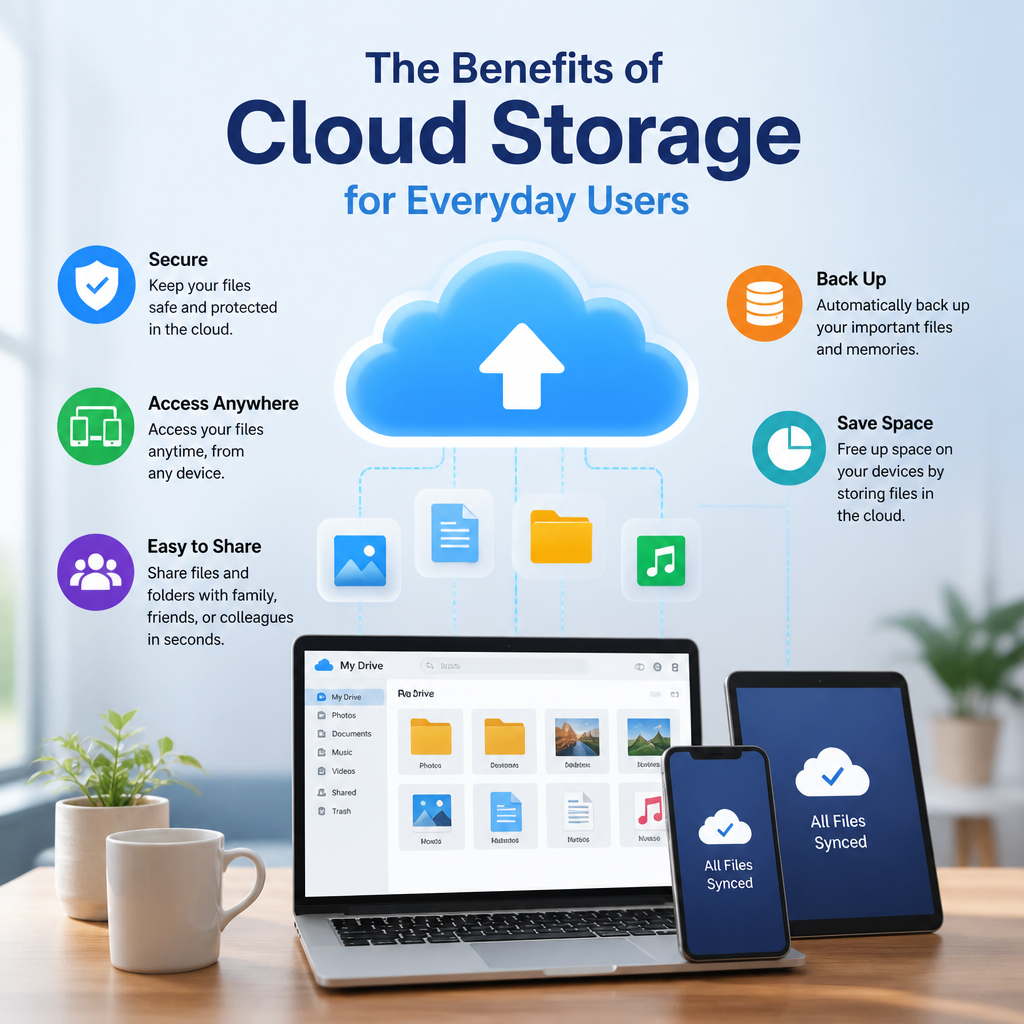
Cloud storage benefits everyday users by making it easy to access, back up, and share files from anywhere. It also helps protect important photos and documents while freeing up space on your devices.
By: Peter B on julho 30, 2026
Cloud storage has become part of daily life for millions of people, even if they do not always think about it. From backing up family photos to sharing work documents and syncing notes across devices, cloud storage makes digital life simpler, safer, and more flexible. For everyday users, the benefits of cloud storage go far beyond convenience. It can help protect important files, reduce clutter on devices, and make information accessible whenever and wherever it is needed.
If you have ever worried about losing photos from your phone, running out of space on your laptop, or needing a file while away from home, cloud storage offers a practical solution. In this article, we will explore the key benefits of cloud storage for everyday users, how it works in plain language, and what to look for when choosing a service.
What Is Cloud Storage?
Cloud storage is a way to save files on remote servers instead of only on a local device like a phone, tablet, or computer. Those files are stored by a provider and can usually be accessed through the internet from multiple devices.
In simple terms, cloud storage lets you:
Save files online
Access them from anywhere
Share them with others
Back them up automatically
Free up space on your devices
Common examples include photo backups, document sync tools, online file sharing platforms, and full-device backup services.
Benefits of Cloud Storage for Everyday Users
1. Access Files From Anywhere
One of the biggest benefits of cloud storage is convenience. When your files are stored online, you are not tied to one device. You can open a document on your laptop at home, review it on your phone during a commute, and finish it on a tablet later that day.
This is especially helpful for everyday tasks like:
Pulling up tax documents when meeting with an accountant
Accessing a grocery list while shopping
Retrieving travel itineraries on the road
Opening family photos on any device
For people who move between devices frequently, cloud storage creates a smoother experience.
2. Protect Important Files With Backup
Device failure, loss, theft, and accidental deletion can happen to anyone. Cloud storage helps reduce the risk of losing important files by keeping a copy online.
This is one of the most practical benefits of cloud storage for everyday users. Instead of relying on a single phone or laptop, you have a second copy stored securely in the cloud.
Examples of files worth backing up include:
Photos and videos
School assignments
Personal documents
Financial records
Contact lists
Work files
A cloud backup does not replace good digital habits, but it adds an important layer of protection.
3. Free Up Space on Your Devices
Phones and laptops fill up quickly. High-resolution photos, downloaded videos, and large documents can consume storage before you realize it. Cloud storage gives you a place to move files you want to keep without crowding your device.
This can improve device performance and make it easier to manage your digital life. You can:
Store old photos in the cloud
Archive completed projects
Keep large videos online
Remove duplicate files from local storage
For users with limited device storage, this benefit alone can make cloud storage worth using.
4. Make Sharing Easier
Cloud storage simplifies sharing. Instead of emailing large attachments or transferring files with a cable or flash drive, you can send a link to a file or folder. That makes collaboration and everyday sharing much faster.
You can use cloud storage to:
Share vacation photos with family
Send school files to teachers or classmates
Collaborate on documents with coworkers
Share event plans or itineraries
Give temporary access to specific files
Many services also allow you to control permissions, such as view-only access or editing rights. That flexibility is useful when you want to share without losing control of the original file.
5. Support Automatic Syncing
Automatic syncing is another major advantage. When syncing is turned on, changes made on one device appear on other connected devices. This saves time and keeps your files current.
For example:
Edit a document on your desktop and see the update on your phone
Take a photo on your smartphone and have it appear in your cloud library
Add a note on your tablet and access it later on your laptop
This seamless updating helps avoid version confusion and reduces the chance of working from an outdated file.
6. Improve Organization
Cloud storage can also make it easier to stay organized. Most services offer folders, search tools, tags, and file previews, which help users find what they need quickly.
A practical organization system might look like this:
Create folders for major categories such as Photos, Bills, School, and Travel
Use subfolders for specific years or projects
Name files clearly, such as 2025-Tax-Documents or Summer-Vacation-Photos
Archive older items instead of deleting them
Review files regularly to remove duplicates and outdated documents
With a little structure, cloud storage can become a simple and effective digital filing system.
7. Reduce Stress During Device Upgrades
Switching to a new phone or computer can be frustrating if you have to move everything manually. Cloud storage makes upgrades easier because your files, photos, and settings are often already available online.
Instead of spending hours transferring data, you can sign in to your account and restore your information more quickly. That means less downtime and fewer chances to forget important files during the transition.
8. Enable Family and Household Sharing
For everyday users, cloud storage is not just for individual use. Many people use shared folders or family plans to keep household information in one place.
This can help with:
Shared calendars
Household bills
Travel plans
School forms
Photo libraries
Emergency contacts
A shared cloud folder can be especially useful for parents, caregivers, and couples who want easy access to common documents.
How Cloud Storage Works in Everyday Life
Cloud storage may sound technical, but using it is usually straightforward. In most cases, you create an account, upload files, and then access them through an app or web browser.
A Simple Example
Imagine you take photos on your phone during a weekend trip. With cloud storage enabled:
The photos upload automatically when you connect to Wi-Fi
You can delete some local copies to save space
Your photos remain available online
You can later view them from your laptop or share them with friends
That same pattern works for many kinds of files. A document saved in the cloud can be edited at work and finished at home. A scanned receipt can be stored for future reference. A music playlist or video project can be organized in one place and accessed on different devices.
What Everyday Users Should Look for in a Cloud Storage Service
Not all cloud storage services are the same. If you are choosing one for personal use, focus on features that match your needs rather than picking the biggest name automatically.
Key Factors to Consider
Storage Limits
Look at how much free storage is included and how much additional space costs if you need it.
Security Features
Choose services that offer strong account protection such as two-factor authentication, encryption, and recovery options.
Ease of Use
A clean interface matters. If a service is difficult to navigate, you are less likely to use it consistently.
Device Compatibility
Make sure the service works well on your phone, laptop, tablet, and any other devices you use regularly.
Sharing Controls
Good sharing tools let you decide who can view, edit, or download your files.
Backup Options
If protecting photos or documents is your main goal, look for automatic backup features rather than only manual uploads.
Price
Free plans can be useful, but they often come with storage limits. Paid plans may make sense if you need more space or advanced features.
Cloud Storage Security Tips for Everyday Users
The benefits of cloud storage are strongest when you use it wisely. A few simple habits can help protect your account and your files.
Use a strong, unique password
Turn on two-factor authentication
Review shared links and remove old ones
Avoid storing highly sensitive information unless the service is reputable and secure
Keep local copies of critical files when appropriate
Check account recovery settings in case you lose access
It is also smart to read the provider’s privacy policy and understand how your data is handled. Security is not just about the provider’s tools; it is also about how carefully you manage your account.
Common Use Cases for Cloud Storage
Everyday users rely on cloud storage in more ways than they may realize. Some of the most common uses include:
Personal Photos and Videos
Storing memories safely and freeing up phone space.
Documents and Receipts
Keeping important records available for taxes, warranties, and returns.
Schoolwork
Saving assignments, research, and notes for students of all ages.
Work Files
Accessing projects, presentations, and spreadsheets on multiple devices.
Household Records
Organizing lease agreements, insurance documents, and medical forms.
Creative Projects
Backing up writing, design files, podcasts, or video edits.
Cloud storage is flexible enough to support both simple and more advanced everyday needs.
Cloud Storage vs. External Drives
Some people still prefer USB drives or external hard drives, and those tools can be useful. But cloud storage offers different advantages.
Cloud Storage Advantages
Accessible from anywhere with internet access
Easier sharing and collaboration
Automatic backup and sync
Less risk of physical damage or loss
Better support for multiple devices
External Drive Advantages
Works without internet
Can be a useful local backup
One-time purchase in many cases
For many everyday users, the best approach is a combination of both. Cloud storage handles convenience and access, while a local backup adds an extra layer of protection.
Why Cloud Storage Fits Modern Daily Life
Digital life is increasingly mobile. People work from home, travel with multiple devices, and expect their information to follow them. Cloud storage fits this reality well because it makes files easier to manage without requiring technical expertise.
The real value lies in how naturally it supports ordinary routines:
Parents can keep family photos in one place
Students can move between school and home devices
Freelancers can access projects from anywhere
Retirees can organize records without piles of paper
Busy households can share important information quickly
In each case, cloud storage removes friction and creates a more flexible system.
Frequently Asked Questions
What is the main benefit of cloud storage for everyday users?
The main benefit of cloud storage is convenience. It lets you access files from multiple devices, back up important data, and share information more easily. For many people, it also reduces the stress of losing photos, documents, or other irreplaceable files.
Is cloud storage safe for personal files?
Cloud storage can be safe when you choose a reputable provider and use good security habits. Look for two-factor authentication, strong passwords, and encryption. For sensitive files, it is important to understand the provider’s privacy and security policies before uploading them.
Does cloud storage replace backups?
Not completely. Cloud storage can act as part of a backup strategy, but it is still smart to keep additional copies of your most important files. A good approach is to combine cloud storage with another backup method, such as an external drive.
Can I use cloud storage without paying?
Yes, many providers offer free cloud storage plans with limited space. These plans are often enough for basic file storage, photo backups, or occasional sharing. If you need more space or advanced features, a paid plan may be a better fit.
What types of files should I store in the cloud?
You can store many file types in the cloud, including photos, videos, documents, spreadsheets, presentations, and receipts. Everyday users often store files that matter most or need to be accessed on more than one device.
The benefits of cloud storage for everyday users are clear: easier access, better backup protection, simpler sharing, and more flexibility across devices. Whether you want to preserve family photos, keep school files organized, or make work and personal life less chaotic, cloud storage can save time and reduce stress. It is one of those tools that becomes more valuable the more you use it.
The best part is that you do not need to be a tech expert to get started. A basic cloud storage setup can already make a big difference in how you store, organize, and protect your files. If you choose a trusted provider, use strong security habits, and keep your folders organized, cloud storage can become a reliable part of your daily routine. For anyone who wants more control over their digital life, it is well worth exploring.
Peter B holds a degree in Journalism and has 5 years of experience covering U.S. economic policy, labor markets, and financial news. He writes data-driven news content on topics like inflation, interest rates, and employment trends.