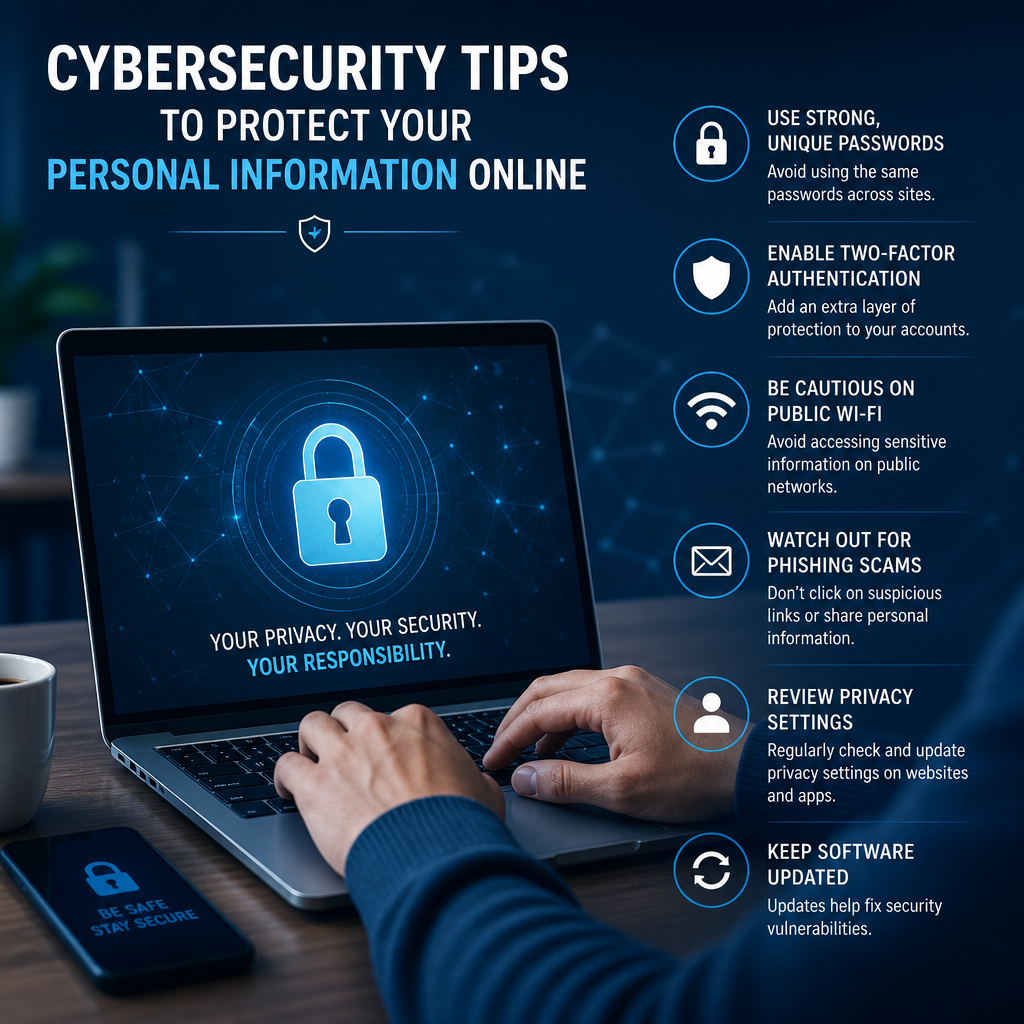
Cybersecurity Tips to Protect Your Personal Information Online
Learn practical cybersecurity tips to protect your personal information online and reduce your risk of identity theft, phishing, and account takeovers. With a few simple habits, you can make your accounts safer and keep your data out of the wrong hands.
By: Peter B on julho 30, 2026
Every time you shop online, check email, log into social media, or use a banking app, you leave behind digital traces that can expose personal data. That’s why cybersecurity tips to protect your personal information online are no longer optional—they’re part of everyday life. With identity theft, phishing scams, account takeovers, and data breaches becoming routine threats, knowing how to protect yourself can save time, money, and stress.
The good news is that most people can reduce their risk with a few consistent habits. You do not need to be a tech expert to improve your online safety. You just need a practical plan, a little awareness, and the discipline to follow through.
Cybersecurity Tips to Protect Your Personal Information Online
Protecting your personal data starts with understanding where it’s most vulnerable. Cybercriminals often target weak passwords, unpatched devices, unsafe Wi-Fi connections, and people who click too quickly. By strengthening these weak points, you make yourself a much harder target.
Start with the basics: secure your accounts
Your online accounts are often the gateway to your financial and personal information. If someone gets into your email, they may be able to reset passwords for your banking, shopping, and social media accounts.
Use strong, unique passwords
A strong password should be:
Long enough to resist guessing
Unique for every important account
Hard to connect to your personal life
Avoid using names, birthdays, pet names, or common phrases. A password manager can generate and store complex passwords so you do not have to memorize them all.
Turn on multi-factor authentication
Multi-factor authentication, or MFA, adds another layer of protection. Even if someone steals your password, they still need a second verification step, such as:
A code from an authentication app
A text message code
A hardware security key
A biometric factor like fingerprint or face recognition
Whenever possible, use an authentication app or security key instead of text messages, since SMS codes can be intercepted through SIM-swapping attacks.
Watch for phishing and social engineering
Phishing remains one of the most common ways attackers steal personal information. These scams often arrive by email, text message, phone call, or direct message and try to trick you into clicking a link, opening a file, or sharing sensitive details.
Common signs of a phishing attempt
Be cautious if a message:
Creates urgency or fear
Claims your account will be locked
Asks for passwords, Social Security numbers, or payment details
Uses strange grammar or poor formatting
Includes links that do not match the sender’s real domain
If something seems suspicious, do not click. Go directly to the official website or app instead.
A practical example
If you receive an email that says your delivery has failed and asks you to “confirm your address,” check the sender carefully. Hover over the link before clicking. If the message is fake, the URL may lead to a lookalike site designed to steal your login information.
Keep your devices updated
Software updates do more than add new features. They often patch security flaws that attackers can exploit. Delaying updates leaves your phone, laptop, tablet, and apps exposed to known vulnerabilities.
Update these regularly
Operating systems
Web browsers
Mobile apps
Antivirus and security tools
Router firmware
Set devices to update automatically when possible. That way, you reduce the chance of missing critical patches.
Use secure Wi-Fi habits
Public Wi-Fi is convenient, but it is not always safe. Open networks in coffee shops, airports, hotels, and libraries can be monitored by attackers if you are not careful.
Safer habits on public networks
Avoid logging into sensitive accounts unless necessary
Never enter banking or payment information on an unsecured network
Use a trusted virtual private network, or VPN, if appropriate
Turn off file sharing and device discovery
Forget public networks after use so your device does not reconnect automatically
At home, secure your router with a strong admin password and WPA2 or WPA3 encryption. If your router still uses default credentials, change them immediately.
Cybersecurity tips to protect your personal information online at home and on the go
Online security is not only about accounts. It also involves protecting your devices, networks, and habits wherever you connect.
Lock down your phone
Your smartphone may contain contacts, photos, messages, banking apps, saved passwords, and location data. If it is lost or stolen, that information can become a target.
Good mobile security practices
Use a passcode, fingerprint, or face unlock
Enable automatic screen locking
Turn on device tracking and remote wipe features
Review app permissions regularly
Only install apps from trusted app stores
Delete apps you no longer use
Pay attention to what permissions apps request. A flashlight app should not need access to your contacts or microphone.
Be selective about what you share online
Oversharing on social media can help criminals answer security questions or impersonate you. Details such as your full birthdate, address, workplace, travel plans, and family connections can be surprisingly useful to attackers.
What to limit or avoid posting
Your full date of birth
Home address or live location
Boarding passes or travel itineraries
Photos of official documents
Answers to common security questions
Announcements that reveal you are away from home
Adjust privacy settings so only trusted contacts can see personal posts. Also, think twice before taking online quizzes that ask for personal facts—they may be collecting information for malicious or marketing use.
Protect your financial information
Banks and credit card companies have strong security measures, but your own behavior still matters. Fraud often begins with stolen account credentials or fake payment requests.
Best practices for financial safety
Review bank and credit card statements regularly
Set up transaction alerts
Use secure payment methods for online shopping
Avoid saving card details on unfamiliar sites
Shred or securely store documents with sensitive information
If you suspect fraud, contact your financial institution quickly. Fast action can limit losses and help block additional unauthorized transactions.
Back up important data
A strong cybersecurity plan includes data recovery. Ransomware, device failure, theft, and accidental deletion can all destroy important files.
A simple backup approach
Use the following backup rule:
Keep at least one backup copy of your important files
Store it separately from your primary device
Make sure the backup updates regularly
Cloud backups are convenient, but an encrypted external drive can also be useful. The key is redundancy. If one copy is compromised, you still have access to your data.
Build better habits for long-term protection
The most effective cybersecurity tips to protect your personal information online are the ones you practice consistently. You do not need perfect security. You need repeatable habits that lower your risk.
Create a personal security routine
A basic routine might include:
Checking for updates once a week
Reviewing account activity monthly
Replacing weak or reused passwords
Clearing old apps and browser extensions
Auditing privacy settings every few months
Small habits go a long way when they become automatic.
Use browser and privacy controls wisely
Your web browser can either protect or expose your information depending on how you configure it.
Useful browser settings to review
Block third-party cookies
Clear browsing data regularly
Disable unnecessary extensions
Use secure DNS features when available
Turn on built-in phishing and malware protection
Browser extensions can be helpful, but only install those from reputable publishers. Poorly maintained or malicious extensions can track your activity or collect credentials.
Know what to do after a breach
Even careful users may eventually be affected by a data breach. The important thing is how quickly you respond.
Steps to take after exposure
Change the affected password immediately
Update any other accounts that reused the same password
Enable or strengthen MFA
Watch for unfamiliar logins or transactions
Place a fraud alert or credit freeze if sensitive data was exposed
Report the incident through the proper channels
If your email is compromised, treat it as a high priority because email often acts as the recovery point for other accounts.
Cybersecurity tips to protect your personal information online for families
Families face special risks because children and older adults may be targeted in different ways. A strong home security plan should account for every member of the household.
Teach kids digital safety early
Children often click before they think. Set clear rules about:
Not sharing full names, addresses, or school names with strangers
Asking an adult before downloading apps or games
Avoiding private messages from unknown users
Not posting photos that reveal personal details
Parental controls can help, but they work best when paired with honest conversations about online risks.
Help older adults avoid scams
Older adults are frequently targeted by phishing, tech support scams, and impersonation attacks. Make sure family members know to:
Verify unexpected calls or messages independently
Never share one-time codes with anyone
Avoid remote access requests from unknown support agents
Pause before sending money or gift cards to “urgent” contacts
A family passcode can also help verify that a real relative is making a request in an emergency.
Frequently Asked Questions
1. What are the most important cybersecurity tips to protect your personal information online?
The most important steps are using strong unique passwords, turning on multi-factor authentication, keeping devices updated, avoiding phishing scams, and being careful on public Wi-Fi. These habits reduce the most common ways attackers gain access to your data.
2. Is a password manager safe to use?
Yes, a reputable password manager is generally safer than reusing passwords or writing them down in unsecured places. It can generate strong passwords and store them securely. Choose a well-known provider, use a strong master password, and enable multi-factor authentication on the manager itself.
3. How can I tell if a message is a phishing attempt?
Look for urgency, unusual sender addresses, poor grammar, suspicious links, and requests for personal or financial details. If the message pressures you to act fast, it is worth double-checking before clicking anything. When in doubt, go directly to the official website instead of using the link in the message.
4. Should I use public Wi-Fi for banking or shopping?
It is better to avoid sensitive activities on public Wi-Fi whenever possible. Public networks may expose your traffic if they are not secured properly. If you must use one, consider using a VPN, verify the network name, and avoid entering payment or login information unless absolutely necessary.
5. What should I do if my personal information is exposed in a data breach?
Change passwords for affected accounts right away, especially if you reused them elsewhere. Turn on multi-factor authentication, monitor account activity, and consider a fraud alert or credit freeze if highly sensitive data was involved. Also watch for phishing attempts that use the breach as bait.
Protecting your personal data online does not require a complicated setup or advanced technical skills. It starts with practical, consistent actions: using strong passwords, enabling multi-factor authentication, staying alert for phishing, updating your devices, and being thoughtful about what you share. These habits matter because most cyberattacks exploit small mistakes and weak security routines, not dramatic technical failures.
The most effective approach is to treat cybersecurity as part of everyday digital life. Review your accounts, secure your devices, and make a habit of checking links, permissions, and privacy settings before you click or share. If you ever do face a breach or suspicious activity, acting quickly can limit the damage and help you recover faster.
By following these cybersecurity tips to protect your personal information online, you take meaningful control of your digital safety. Start with one or two changes today, then build from there. Small steps add up, and the sooner you strengthen your habits, the better protected your identity, finances, and peace of mind will be.
Peter B holds a degree in Journalism and has 5 years of experience covering U.S. economic policy, labor markets, and financial news. He writes data-driven news content on topics like inflation, interest rates, and employment trends.