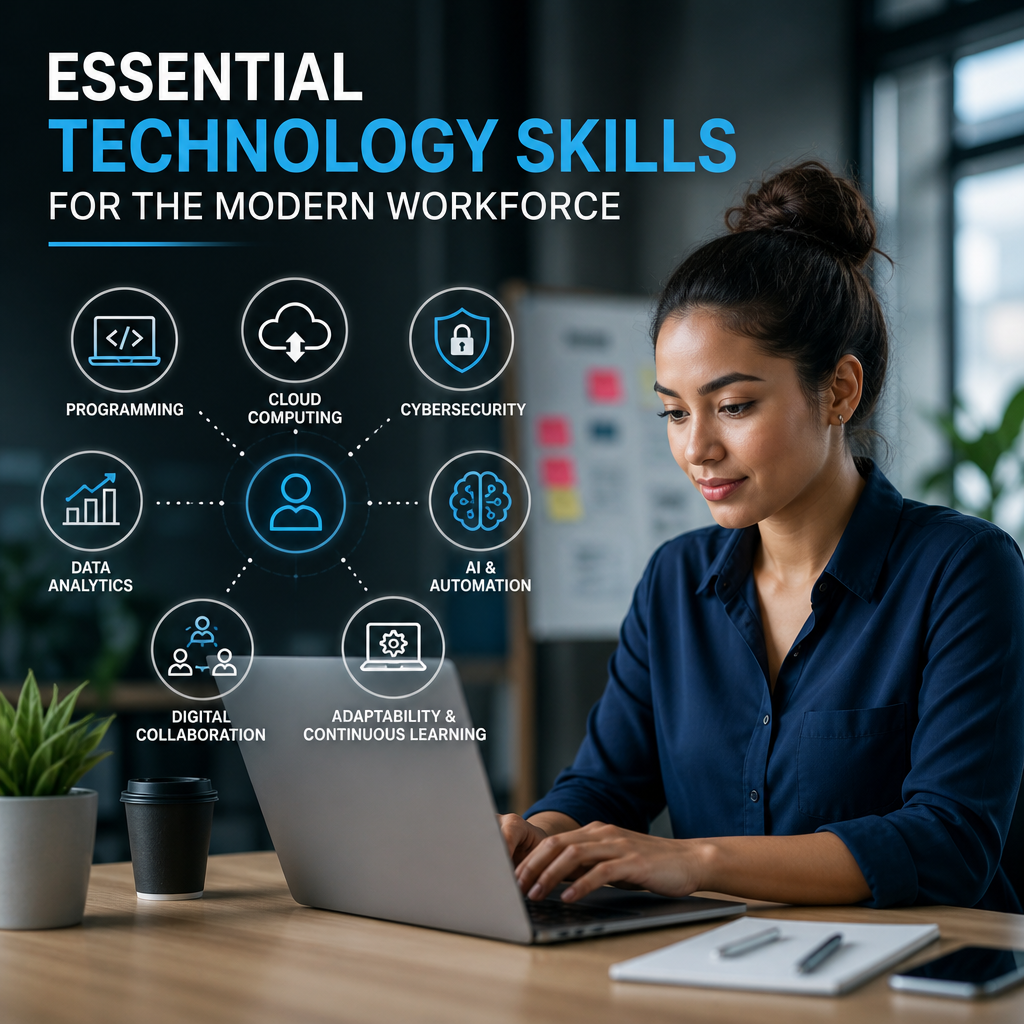
Essential Technology Skills for the Modern Workforce
Essential technology skills are no longer just nice to have—they’re a must for staying productive, connected, and competitive in today’s workplace. From digital communication to data handling, the right skills can help you adapt quickly and succeed in almost any role.
By: Peter B on julho 30, 2026
Technology shapes nearly every job today, from office administration and sales to healthcare, manufacturing, and customer support. As workplaces become more digital, essential technology skills for the modern workforce are no longer optional extras—they are core career skills that help employees stay productive, adaptable, and competitive.
Whether you’re just entering the job market or trying to keep up with a fast-changing role, building the right tech skills can improve your confidence and your value at work. The good news is that you do not need to become a programmer or IT specialist to succeed. In most roles, the most useful skills are practical, everyday abilities that help you communicate, collaborate, protect information, and solve problems efficiently.
Why essential technology skills for the modern workforce matter
Digital tools have changed how teams work. Meetings happen online, documents live in the cloud, and companies depend on software to manage everything from payroll to project planning. That means workers need more than basic computer literacy. They need the ability to use technology thoughtfully and effectively.
Strong digital skills can help you:
Work faster and more accurately
Communicate clearly across platforms
Adapt to new software with less stress
Protect sensitive information
Collaborate with remote and hybrid teams
Make better decisions using data and digital tools
Employers also value workers who can learn independently. When someone can quickly understand a new system, troubleshoot simple issues, and keep up with technology changes, they become far more useful to the organization.
Core technology skills every worker should know
The exact tech skills you need depend on your job, but most workers benefit from a shared foundation. These are the capabilities that show up across industries and roles.
1. Digital communication
Today’s workplace runs on email, messaging apps, video meetings, and collaboration platforms. Knowing how to communicate professionally in these environments is essential.
Key habits include:
Writing clear, concise emails
Using the right tone for the audience
Managing chat tools without missing important messages
Speaking effectively in video meetings
Sharing updates and files in organized ways
For example, a project coordinator who sends a brief meeting recap with action items helps the team stay aligned. A customer service representative who responds promptly and professionally in a messaging system helps build trust. Good digital communication saves time and reduces confusion.
2. Cloud collaboration
Many businesses now rely on cloud-based tools such as Google Workspace, Microsoft 365, Slack, Zoom, and project management platforms. Workers should know how to use these tools to share documents, track tasks, and collaborate in real time.
Useful skills include:
Co-editing documents
Using version history
Organizing folders and shared drives
Assigning tasks and deadlines
Joining and managing virtual meetings
If you can collaborate smoothly in shared digital spaces, you can contribute more effectively to team projects—especially in remote and hybrid settings.
3. Data literacy
You do not need to be a data analyst to benefit from basic data literacy. In many jobs, workers must understand charts, dashboards, spreadsheets, and reports. Being able to read and interpret data helps you make better decisions.
This skill includes:
Understanding simple metrics and KPIs
Spotting trends in charts and tables
Using spreadsheets for basic calculations
Recognizing when data may be incomplete or misleading
Presenting data clearly to others
A retail associate might use sales reports to understand which products move fastest. A manager might review productivity data to improve workflows. Even basic comfort with data can improve job performance and decision-making.
4. Cybersecurity awareness
Cybersecurity is not just an IT issue. Every employee plays a role in protecting company systems, customer data, and personal information. A single mistake—like clicking a phishing link or using a weak password—can create serious problems.
Important cybersecurity habits include:
Using strong, unique passwords
Enabling multi-factor authentication
Recognizing phishing emails and suspicious links
Keeping software updated
Locking devices when unattended
Following company rules for data sharing
The Department of Homeland Security and other trusted organizations regularly emphasize that everyday users are a major line of defense. That makes cybersecurity awareness one of the most important essential technology skills for the modern workforce.
5. Basic troubleshooting
Technology does not always work as expected. Employees who can solve small problems on their own save time and reduce pressure on support teams.
Basic troubleshooting involves:
Restarting devices and apps
Checking internet connections
Clearing browser issues
Updating software
Understanding common error messages
Knowing when to escalate an issue
This skill is especially helpful in fast-paced environments. If you can handle simple technology issues without waiting for help, you can stay productive and reduce downtime.
Essential digital productivity skills
Technical confidence is only part of the picture. Workers also need digital habits that improve productivity and reduce wasted effort.
Time management with technology
Modern tools can either improve focus or create distraction. The difference usually comes down to how you use them.
Helpful practices include:
Setting calendar reminders
Blocking time for focused work
Using task lists or project boards
Turning off nonessential notifications
Grouping similar tasks together
For instance, an employee who checks email only at set times may work more efficiently than someone who responds to every message immediately. The goal is not to use more tools—it is to use them intentionally.
File and information organization
A cluttered digital workspace can be just as frustrating as a messy desk. Workers should know how to name, store, and retrieve files in a logical way.
Strong file management includes:
Using consistent naming conventions
Saving documents in the correct folders
Backing up important files
Deleting outdated versions
Keeping shared drives organized
When teams can find information quickly, they spend less time searching and more time doing meaningful work.
Adaptability with new software
Software changes constantly. A new CRM, HR platform, or communication tool may appear with little warning. The workers who adapt best are those who stay curious and open-minded.
To build adaptability:
Explore tools before asking for help
Read quick-start guides or tutorials
Practice with real tasks
Ask focused questions
Accept that learning new systems takes time
Adaptability is one of the most valuable essential technology skills for the modern workforce because it supports long-term career growth. The person who learns new tools quickly often becomes the person others rely on.
Industry-specific technology skills
Different fields require different levels of technical expertise. While the core skills above apply widely, some roles require more specialized knowledge.
Administrative and office roles
Professionals in administrative jobs often need:
Spreadsheet proficiency
Calendar and scheduling tools
Document formatting
Database entry
Basic workflow automation
Sales and marketing
Sales and marketing teams commonly use:
Customer relationship management (CRM) platforms
Email marketing tools
Social media scheduling software
Analytics dashboards
Presentation software
Healthcare
Healthcare workers may need to use:
Electronic health record systems
Secure messaging platforms
Scheduling and intake software
Telehealth tools
Privacy-compliant data handling practices
Manufacturing and logistics
These workers may benefit from:
Inventory systems
Barcode scanning tools
Production software
Mobile work orders
Data entry and tracking systems
Education and training
Teachers, trainers, and instructional staff often use:
Learning management systems
Video conferencing platforms
Digital assessment tools
Content creation software
Collaboration apps
No matter the industry, the ability to learn and use technology effectively is becoming part of the job description.
How to build essential technology skills for the modern workforce
If you feel behind, you are not alone. Many workers were not taught these skills formally and have had to learn them on the job. The best way to improve is through small, consistent practice.
Start with the tools you already use
Begin with the platforms you use every day. Focus on one tool at a time and learn what it can do.
Try this approach:
Identify the tool you use most often.
Learn three features you do not use yet.
Practice those features in real work tasks.
Repeat with the next tool.
For example, if you use Microsoft Excel, you might learn filters, simple formulas, and conditional formatting before moving on to charts or pivot tables.
Use free and reliable learning resources
You can build practical skills with tutorials from trusted sources, company help centers, or public training programs. Look for materials that show you how to solve real problems instead of just listing features.
Good learning methods include:
Short video tutorials
Guided practice exercises
Internal company training
Peer mentoring
Community education programs
Practice with purpose
Skills improve fastest when you apply them to real tasks. Don’t just watch a tutorial—use the tool in your actual workflow.
Examples:
Create a shared checklist for a team project
Build a simple spreadsheet to track tasks
Write a professional email template
Set up two-factor authentication on work accounts
Organize files in a shared drive
Practical use builds confidence and helps skills stick.
Ask questions and learn from others
Strong workers are not the ones who know everything. They are the ones who know how to learn. If a coworker uses a shortcut, template, or feature you do not know, ask how they use it. Most people are happy to share what works for them.
Common mistakes to avoid
Building technology skills is easier when you avoid a few common pitfalls.
Relying on memory instead of systems
Trying to remember everything is inefficient. Use notes, templates, checklists, and saved workflows to reduce mental load.
Ignoring security basics
Even simple habits matter. Weak passwords, repeated logins, and careless file sharing can cause real problems.
Avoiding new tools
It is tempting to stick with what feels familiar, but refusing to learn new systems can limit your career. A growth mindset helps you stay relevant.
Overcomplicating tasks
Sometimes the best solution is simple. Do not use a complex tool when a basic one will do the job well.
The future of work rewards digital confidence
As automation, artificial intelligence, and connected systems continue to shape workplaces, workers will need more than technical familiarity. They will need judgment, flexibility, and the ability to work alongside digital tools.
That does not mean everyone needs advanced coding skills. It does mean every worker should understand how to:
Use digital tools efficiently
Evaluate information carefully
Protect data and devices
Learn new systems quickly
Communicate across platforms
The workers who thrive in the future will likely be those who combine human strengths—like collaboration, creativity, and critical thinking—with essential technology skills for the modern workforce.
Frequently Asked Questions
What are the most important technology skills for jobs today?
The most important skills include digital communication, cloud collaboration, data literacy, cybersecurity awareness, troubleshooting, and adaptability. These skills apply across many industries and help employees work efficiently in modern digital environments.
Do I need advanced computer skills to succeed at work?
Not in most roles. Many jobs only require practical, everyday technology skills such as using email, spreadsheets, cloud tools, and video conferencing software. Advanced skills may help in certain careers, but basic digital confidence is often enough to be highly effective.
How can I improve my technology skills quickly?
Start with the tools you already use. Learn one new feature at a time, practice it in real work tasks, and use trusted tutorials or company training resources. Consistent practice is usually more effective than trying to learn everything at once.
Why is cybersecurity important for all employees?
Cybersecurity matters because employees often handle sensitive information, access company systems, and communicate with clients or coworkers online. Simple actions like using strong passwords, spotting phishing emails, and following data-sharing rules help protect the entire organization.
How do I know which tech skills I should learn first?
Choose the skills that match your current job and the tools your workplace uses most. If you work in an office, start with email, cloud documents, and spreadsheets. If you are in sales or marketing, focus on CRM platforms and analytics. If you are unsure, build a foundation in communication, collaboration, and cybersecurity.
The modern workplace rewards people who can use technology with confidence, judgment, and flexibility. From email and cloud collaboration to cybersecurity awareness and data literacy, the most valuable skills are often the ones that help you work smarter every day. These abilities do more than make tasks easier—they improve communication, reduce errors, and make it easier to adapt when tools or expectations change.
The best part is that you do not need to master everything at once. Start with the tools you already use, practice one skill at a time, and look for ways to apply what you learn in real situations. Over time, those small improvements add up to real professional growth.
If you want to stay competitive, build resilience in your career, and contribute more effectively to your team, focus on strengthening these essential technology skills for the modern workforce. The sooner you start, the better prepared you will be for the digital demands of today—and tomorrow.
Peter B holds a degree in Journalism and has 5 years of experience covering U.S. economic policy, labor markets, and financial news. He writes data-driven news content on topics like inflation, interest rates, and employment trends.